
Demo starts from your problem.
Share how the team is managing assets and work. The content of the discussion is prepared according to that context.
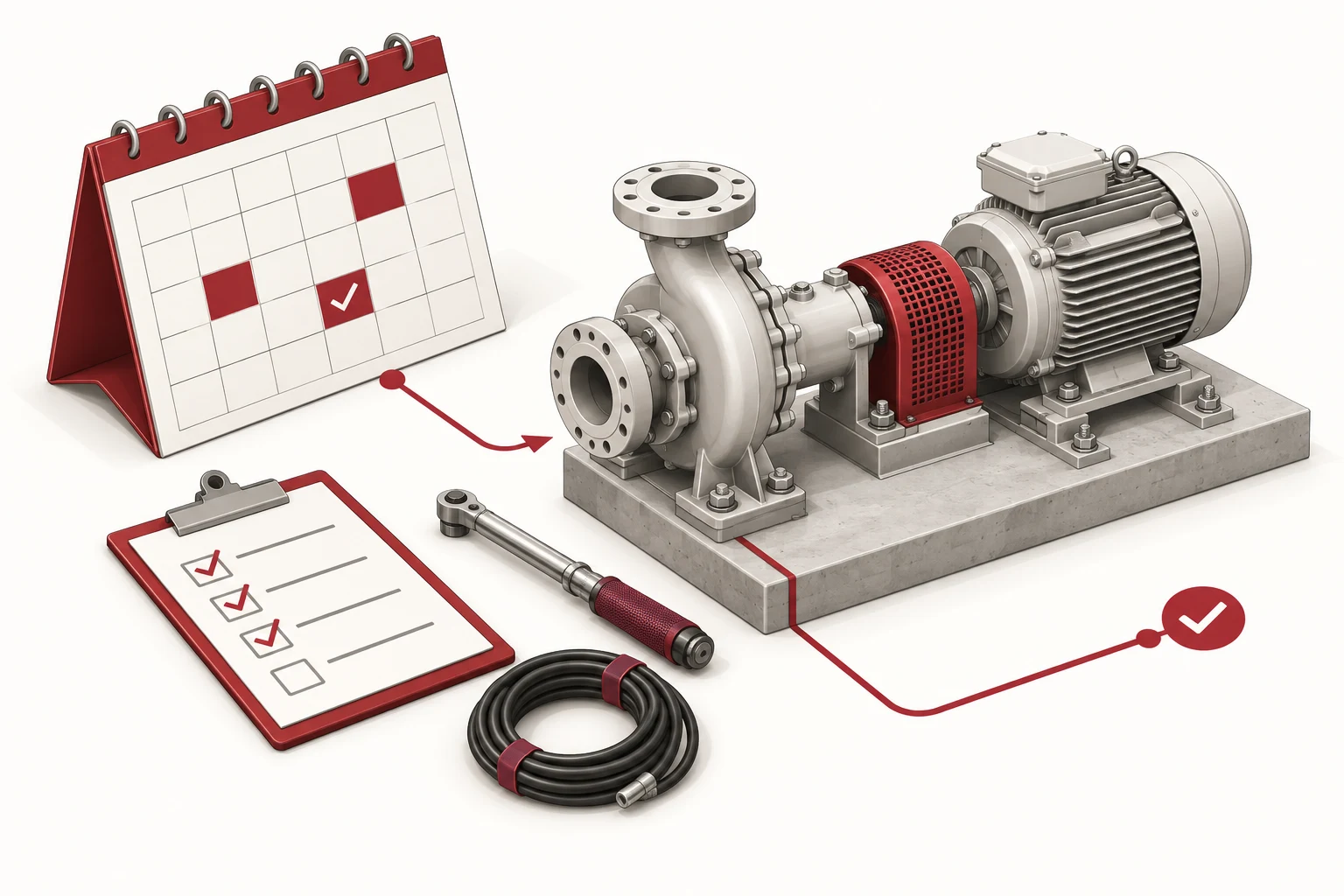
Content of the demo session
Discuss asset profiles, jobs, plans and how to look back at information by role. Bring in a scenario where sensitive data is hidden to give the conversation context.
Your information
Share your needs using the form below.
- Describe the current situation.
- Share appropriate contact information.
- Do not send passwords or sensitive data.
Your contact details
Tell us a little about your needs so we can prepare a relevant discussion.
The information is used to process the request you submit.
Context from source page
Needs from the feature, industry, or service page are suggested in the form. You can edit the description before submitting to reflect what your team needs.
Privacy information
Only send information necessary for the conversation. Contact consent applies to this request, and does not include newsletter or marketing subscriptions.
What happens next?
The team reviews needs and contact information to prepare appropriate communication steps. Demo schedule and scope are agreed upon upon receipt.
Frequently asked questions
Useful information before starting.
Form response
If it has not been sent, check the information and try again. The system uses the request code to limit duplication when a submission is repeated.
Starting from your needs.
A specific situation is the starting point for a productive conversation.
Talk to our team