One shared workspace. For every maintenance task.
TESFA CMMS helps teams organize device information, plan, and coordinate execution from the same data source.
How does CMMS work
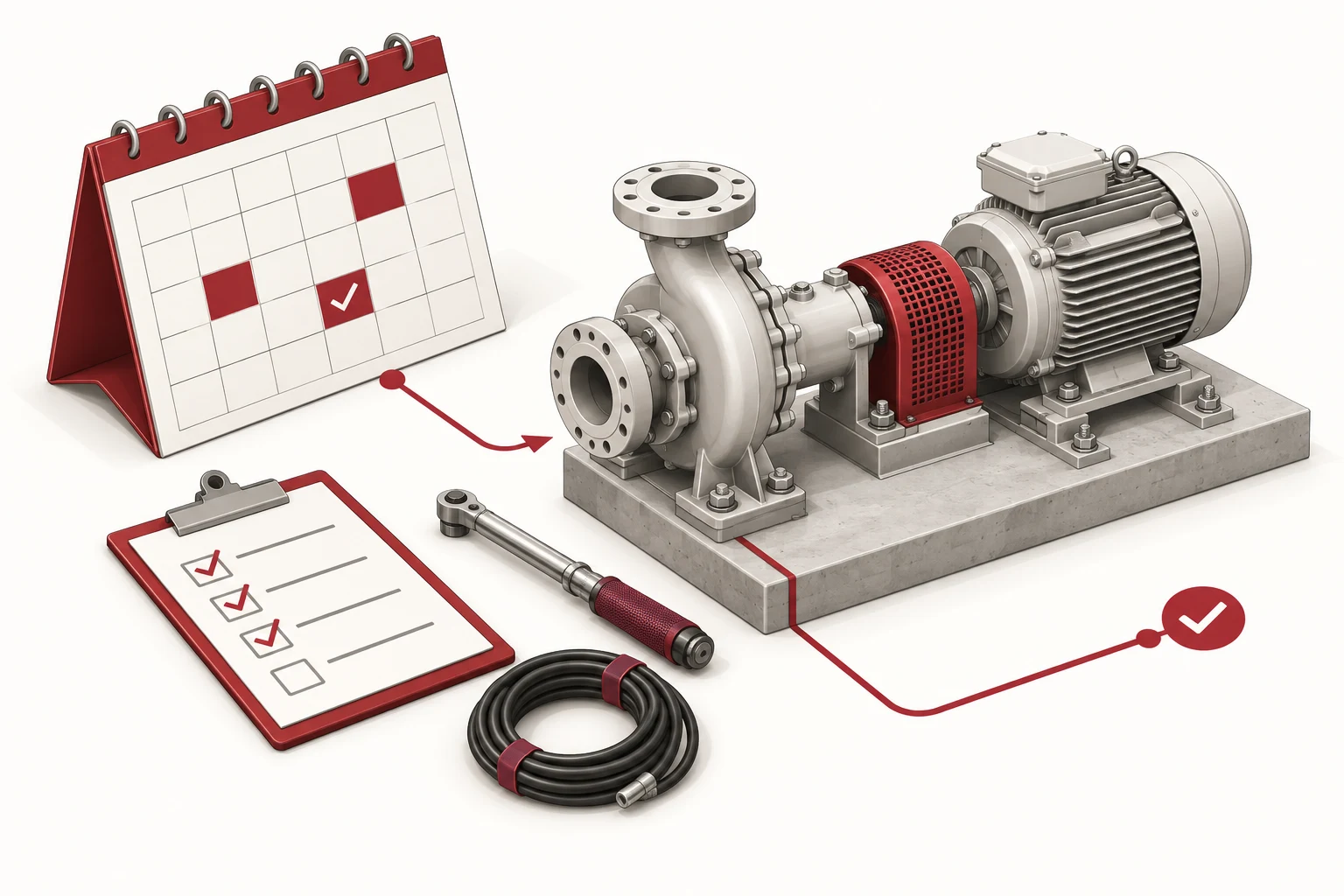
A request is logged with the device context. The team evaluates, prepares work and prepares resources. Implementation results are returned to the asset history for the next maintenance session.
Module map
Select the professional group you need to learn about to clarify the scope of information organization.
Assets & equipment
One place to organize equipment records, installation locations, and maintenance history. Information has context and is easy to find when needed.
Maintenance requests
Centralize failure reporting information, identify equipment and treatment needs before organizing work.
Preventive maintenance
Manage recurring maintenance plans and work instructions in one place. Give the whole team a clear view of upcoming tasks.
Work orders
Clearly see what needs to be done, who is in charge and the processing status. Keep information perform the same process.
Spare parts inventory
Organize spare parts catalogs and usage information to prepare resources for maintenance work.
Reports & KPIs
Review work, history and costs according to management needs. Determine what information the team needs to measure.
Channels used
Start with each person's role and workplace. Usability across browsers, phones and connectivity requirements should be tested directly on the proposed product range.
Integrate and expand
List data that needs to be imported, exported or exchanged with other systems. Each integration request needs to be examined in terms of data sources, access rights, and operational responsibilities before determining the option.
Access and data
Determine who needs to see, create, assign, and confirm work. Unify data focal points, backup requirements and handover methods within the scope of deployment.
Frequently asked questions
Useful information before starting.
Determine the next step together.
Share context so the conversation starts with the team's actual needs.